

What you’ll need
- A cluster that’s Ready. See Create a cluster.
- Your app’s IP address on the cluster’s IP allowlist, if you turned on Restrict access by IP.
Get the login
Open your cluster in the Artie Dashboard and go to the Connect tab.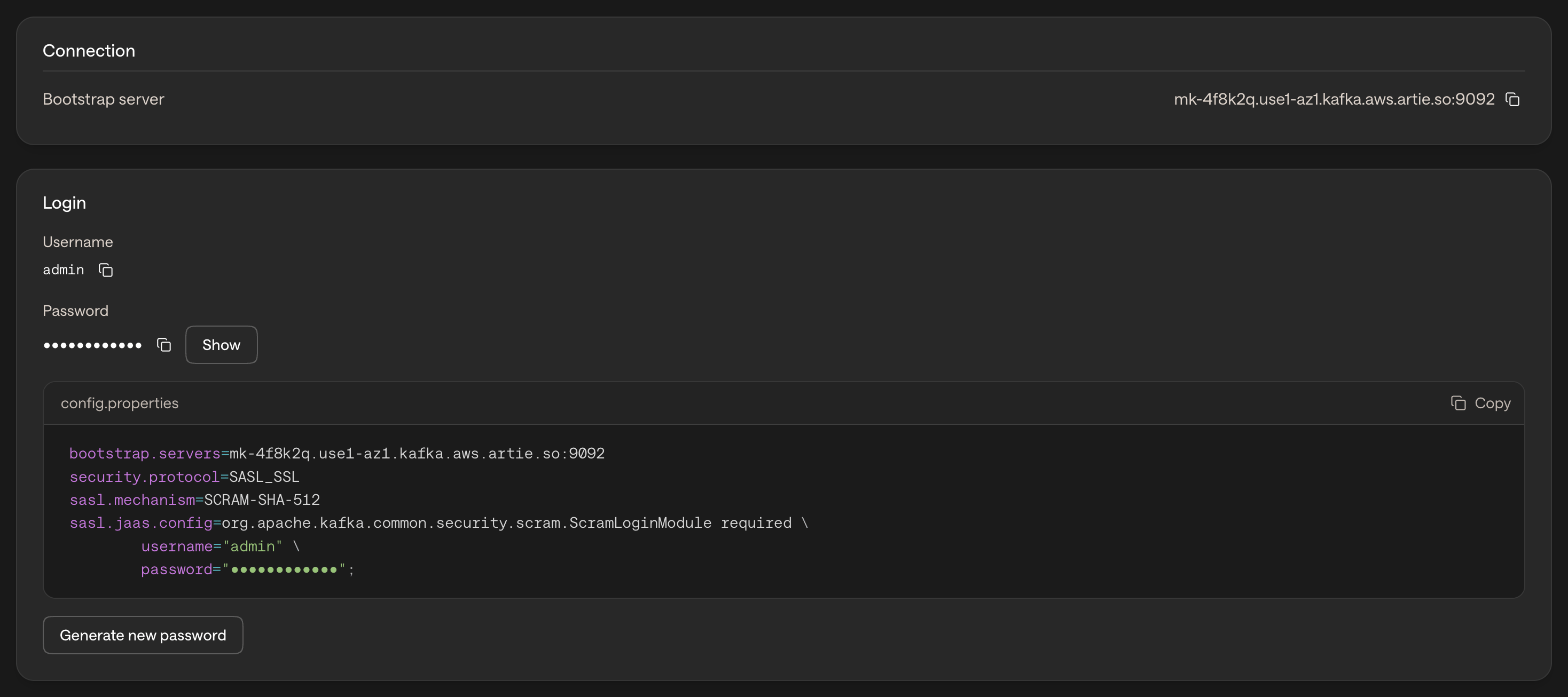
Connect a client
Replace the bootstrap server with your own and<PASSWORD HERE> with your cluster’s password.
- Java / Kafka CLI
- Python
Save this as Check that it works by sending a message:Type a message and press Enter. If the command hangs or times out, check that your IP address is on the cluster’s allowlist.
config.properties:Advanced
Which ports do clients use?
Which ports do clients use?
Clients connect to the bootstrap server on port 9092. Each broker also gets its own port, from 9093 up to 9092 plus your broker count, so 9092 to 9095 for 3 brokers and at most 9092 to 9122. Allow outbound traffic to the whole range, not only 9092, and widen it before you add brokers.
My client stopped connecting after a password change
My client stopped connecting after a password change
Generating a new password stops the old one working as soon as the new one is ready. Copy the new password from the Connect tab and update every client. See Generate a new password.