

Required settings
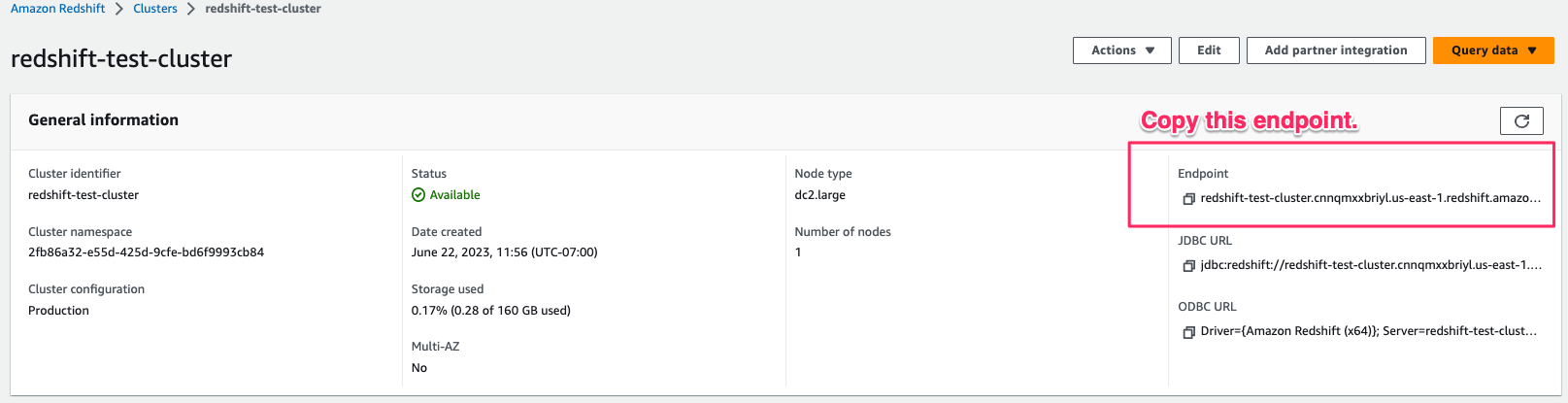
- Redshift endpoint
- Schema name
- Service account
Creating a service account
Advanced
Type mapping
Type mapping
Artie creates these Redshift types for new columns:
Artie also loads into
GEOMETRY and GEOGRAPHY columns you create yourself. It writes GEOGRAPHY values with SRID 4326, since Redshift only supports WGS84 for that type.Redshift caps a GEOMETRY or GEOGRAPHY value at 1,048,447 bytes. A larger value can’t be stored. An insert writes NULL, and an update keeps the geometry the row already has.JSON data as SUPER
JSON data as SUPER
Artie creates JSON columns as SUPER, so you can query them with PartiQL without parsing them first.Two limits apply to
SUPER values:- The whole value: Artie writes JSON values up to 16,000,000 bytes. A larger value is replaced with
{"key":"__artie_exceeded_value"}. - Each string inside the value: Redshift caps strings inside a
SUPERvalue at 65,535 bytes, or 16,000,000 bytes if your cluster hasenable_large_strings_opt_inturned on. See SUPER limitations.
JSON and string settings
JSON and string settings
These settings are in the pipeline’s destination Advanced settings, under Data handling. Pipeline setup shows the same settings, two of them under shorter names.Store JSON as VARCHAR (JSON as VARCHAR in setup): creates new JSON columns as
VARCHAR(MAX) instead of SUPER. Columns that are already SUPER stay SUPER. A VARCHAR(MAX) column holds up to 65,535 bytes, so a longer JSON value follows the Truncate exceeded values rule.Truncate exceeded values (Truncate oversized values in setup): decides what happens to a string longer than its column allows, for example more than 65,535 bytes in a VARCHAR(MAX) column.- Off (default): Artie writes
__artie_exceeded_valuein place of the value. - On: Artie trims the value to the column’s length in bytes, cut back to the last whole character.
json_parse_truncate_strings turned on. A string inside a SUPER value that’s over Redshift’s cap is trimmed instead of failing the load. Off by default. See SUPER configurations.